
Aghanya Info Solution Pvt. Ltd.

Software Testing

LoadRunner Course

Learn how to measure an application's behaviour under real-world load — and to explain where and why it slows down — using LoadRunner.

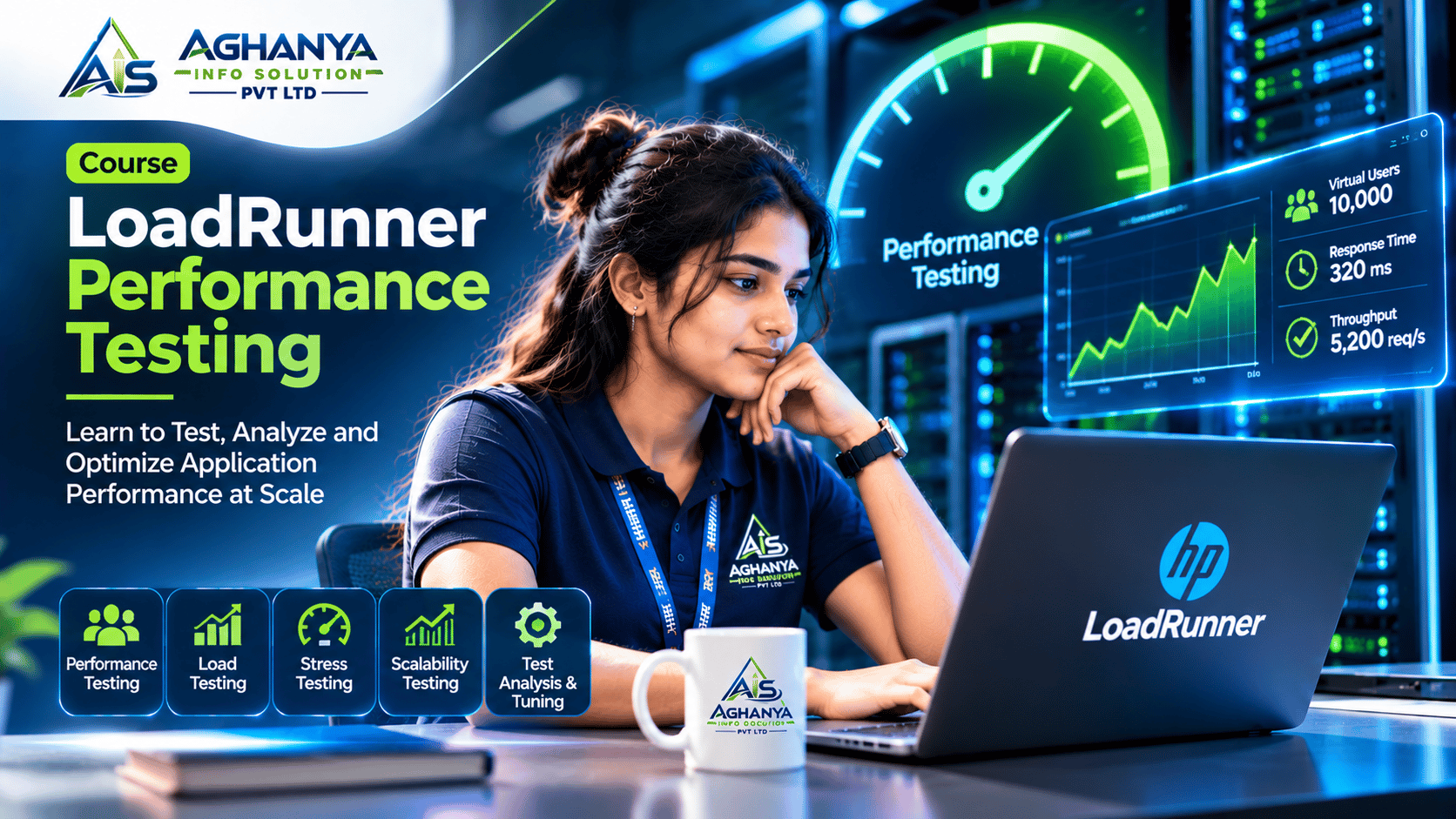
LoadRunner course illustration: a learner working on LoadRunner

The technology

What is LoadRunner?

LoadRunner is an enterprise performance-testing tool, now part of OpenText. It simulates many virtual users and records how a system responds: scripts are built in VuGen, run from the Controller and reviewed in Analysis.

Why it matters

Systems that slow down or fail under heavy traffic cost organisations customers and trust. Performance testers measure capacity before release — a specialist skill that complements functional testing.

What you'll study

Inside the LoadRunner course

Performance testing shows how an application behaves under real-world load. LoadRunner is an established enterprise tool for simulating users and measuring system behaviour.

This course covers performance-testing concepts, scripting with VuGen, correlation and parameterisation, designing scenarios in the Controller and interpreting results in Analysis.

Learning objectives

The skills you may develop. By the end of the course you should be able to:

  • Plan a performance test from requirements
  • Record and enhance scripts in VuGen
  • Handle dynamic data with correlation and parameters
  • Design and run load scenarios
  • Analyse results and identify bottlenecks

Course modules

LoadRunner syllabus outline

5 modules, each building on the last — from fundamentals to applied practice.

  1. Module 1: Performance testing concepts

    Learn the types of performance test and what they measure.

    • Load, stress and endurance testing
    • Key metrics
    • Test planning
  2. Module 2: VuGen scripting

    Record user journeys as scripts that simulate real users.

    • Protocols and recording
    • Transactions
    • Think time and pacing
  3. Module 3: Script enhancement

    Make scripts realistic with varied data and dynamic values.

    • Parameterisation
    • Correlation
    • Checkpoints
  4. Module 4: Controller

    Run tests with many virtual users and monitor the system.

    • Scenario design
    • Load generators
    • Monitoring
  5. Module 5: Analysis

    Read the results, find bottlenecks and report them clearly.

    • Graphs and reports
    • Bottleneck identification
    • Reporting findings

Tools & technologies

  • LoadRunner VuGen
  • Controller
  • Analysis

Who should consider it

  • Testers specialising in performance
  • QA engineers working on high-traffic systems
  • Graduates targeting performance testing roles

Before you start

Software testing fundamentals and basic programming knowledge are recommended.

Batch timings and fees are shared directly by our team on enquiry.

Let's Find the Right Course for You

Tell us what you want to learn and where you are starting from. Our team will help you choose the right course and share the relevant details.

Prefer a call? Request a callback

By sending, you agree to be contacted about this request.

Keep exploring

  • Software Testing

    Selenium

    Move from manual checks to dependable automated tests — Selenium WebDriver, TestNG and the framework design that keeps a test suite maintainable.

    Key learning areas

    • Testing foundations
    • Java for testers
    • Selenium WebDriver

    Suits: Manual testers moving into automation

  • Software Testing

    QTP / UFT

    Learn functional test automation with UFT One — formerly QuickTest Professional — used by many enterprises to automate regression testing of business applications.

    Key learning areas

    • Automation basics
    • Recording and objects
    • VBScript

    Suits: Manual testers adding automation skills